 For a limited time, get 1,000 Incard points when you use Apple Pay.


Your iPhone is now your Incard card.
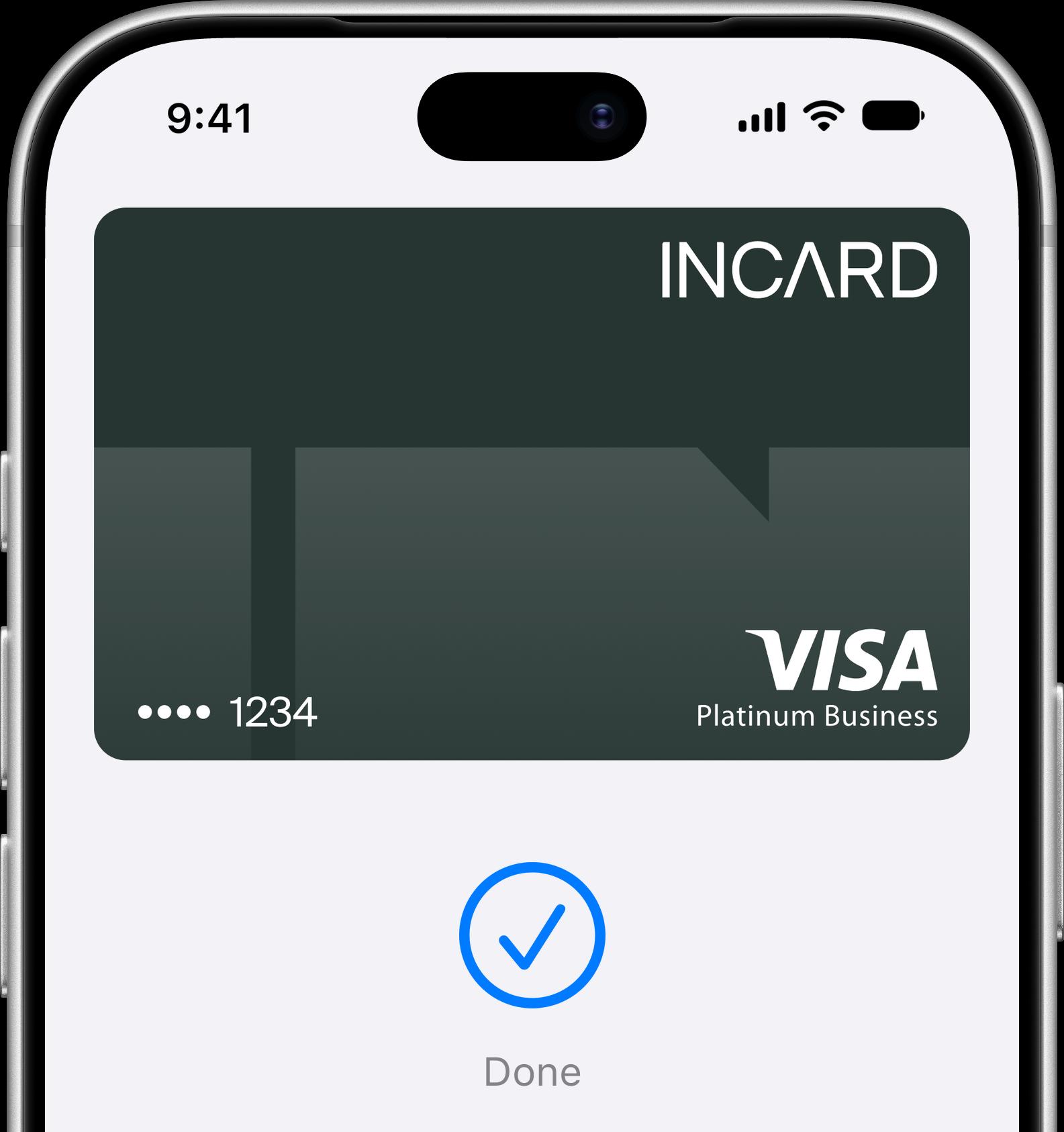
An easy, secure, and private way to pay.
Apple Pay lets you make purchases with your Incard card using any Apple device
— just like you would with your physical card — in stores, online and in apps.
Use Apple Pay wherever you see one of these symbols.


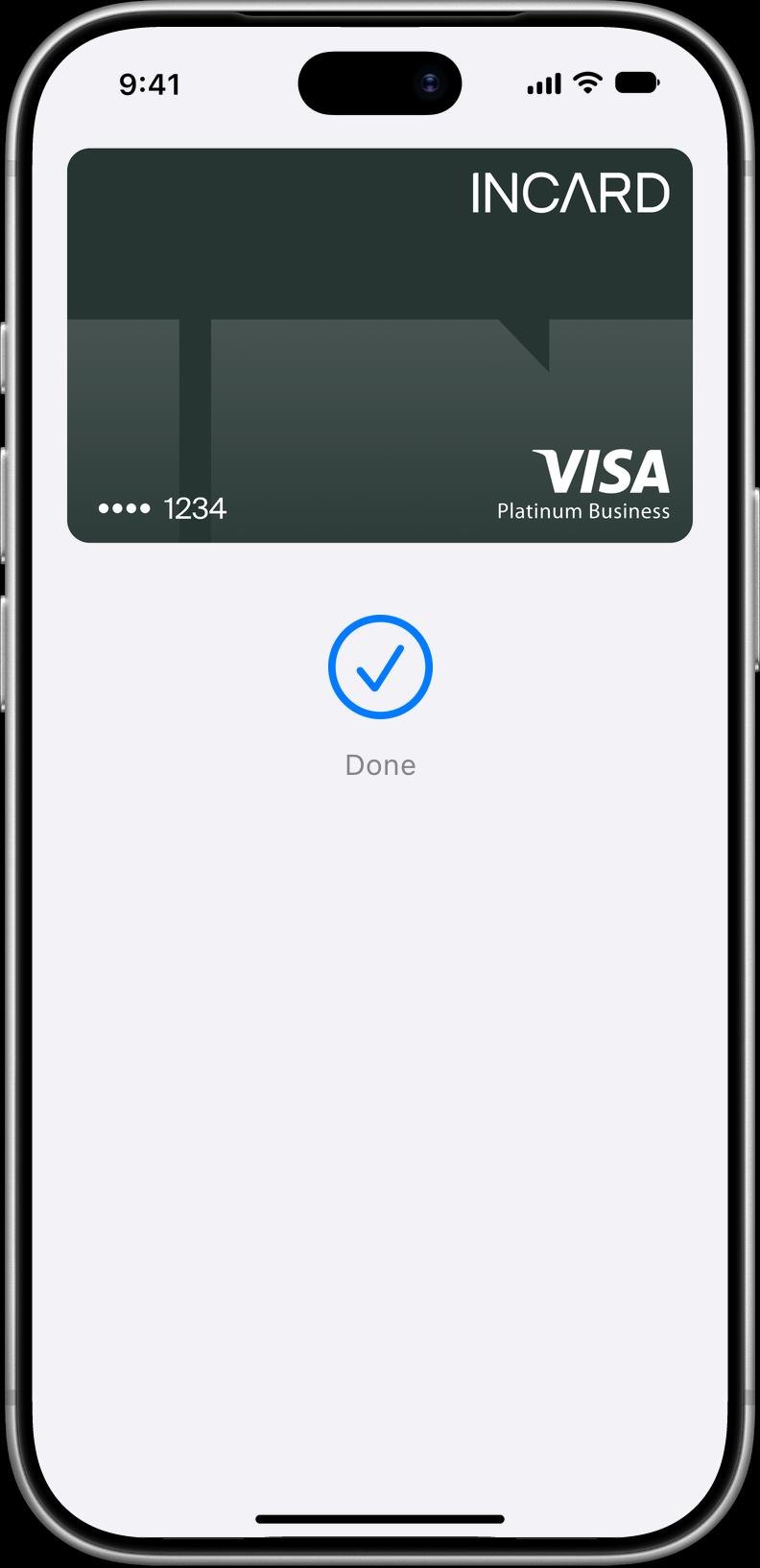
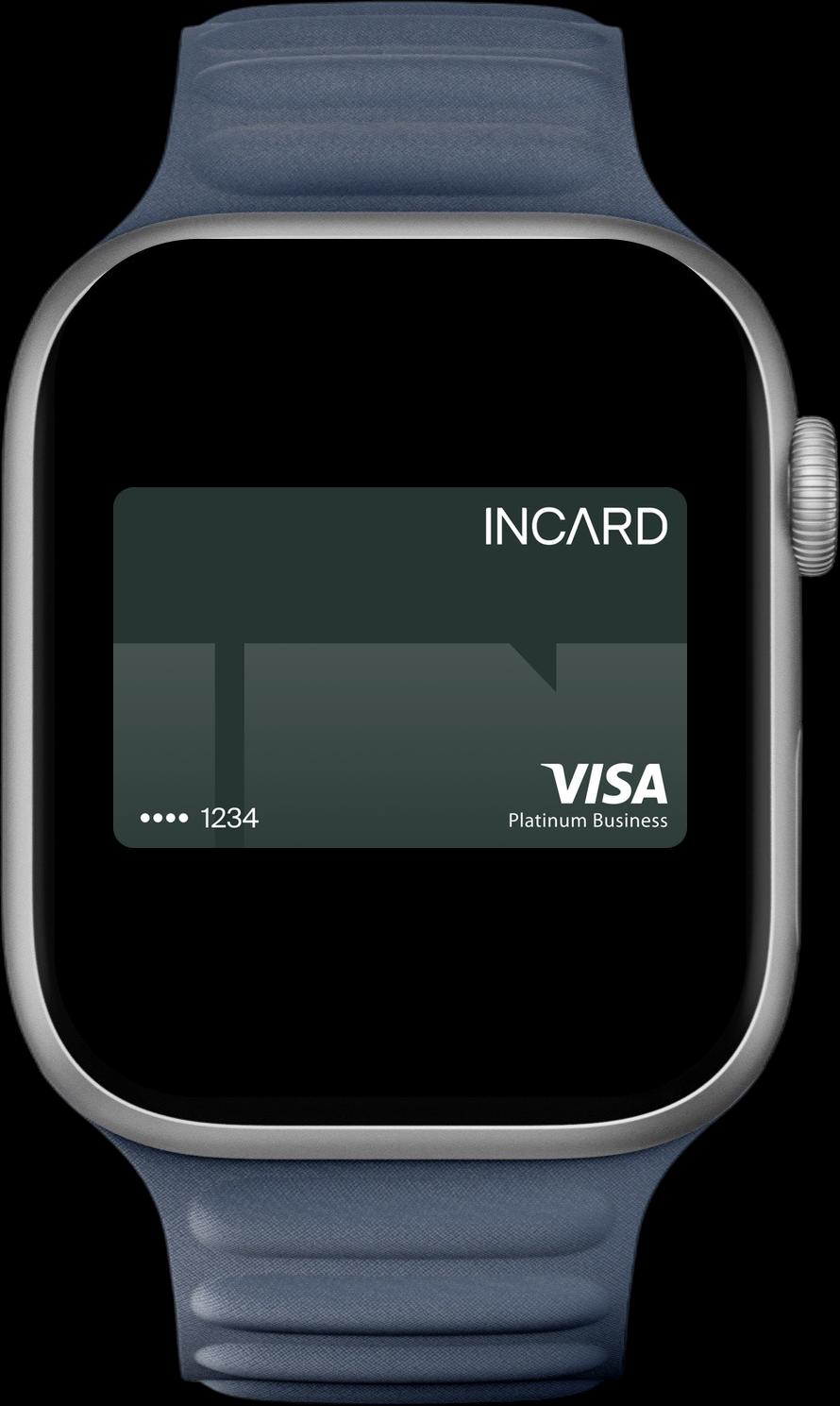

Apple Pay on one.
Apple Pay on all.
Apple Pay is built into iPhone, Apple Watch, Mac, iPad and Apple Vision Pro. If you add your Incard card to Apple Wallet on iPhone, you’ll have the option to add it to your other Apple devices in one easy step.


Shop in person. Online.
Or in apps.
Apple Pay is accepted by millions of merchants around the world. Just look for or the contactless payment symbol at checkout and pay with your Incard card.
To check out with Apple Pay if you’re on a computer but not using Safari or a Mac, click the button and scan the code that appears onscreen with your iPhone.◊
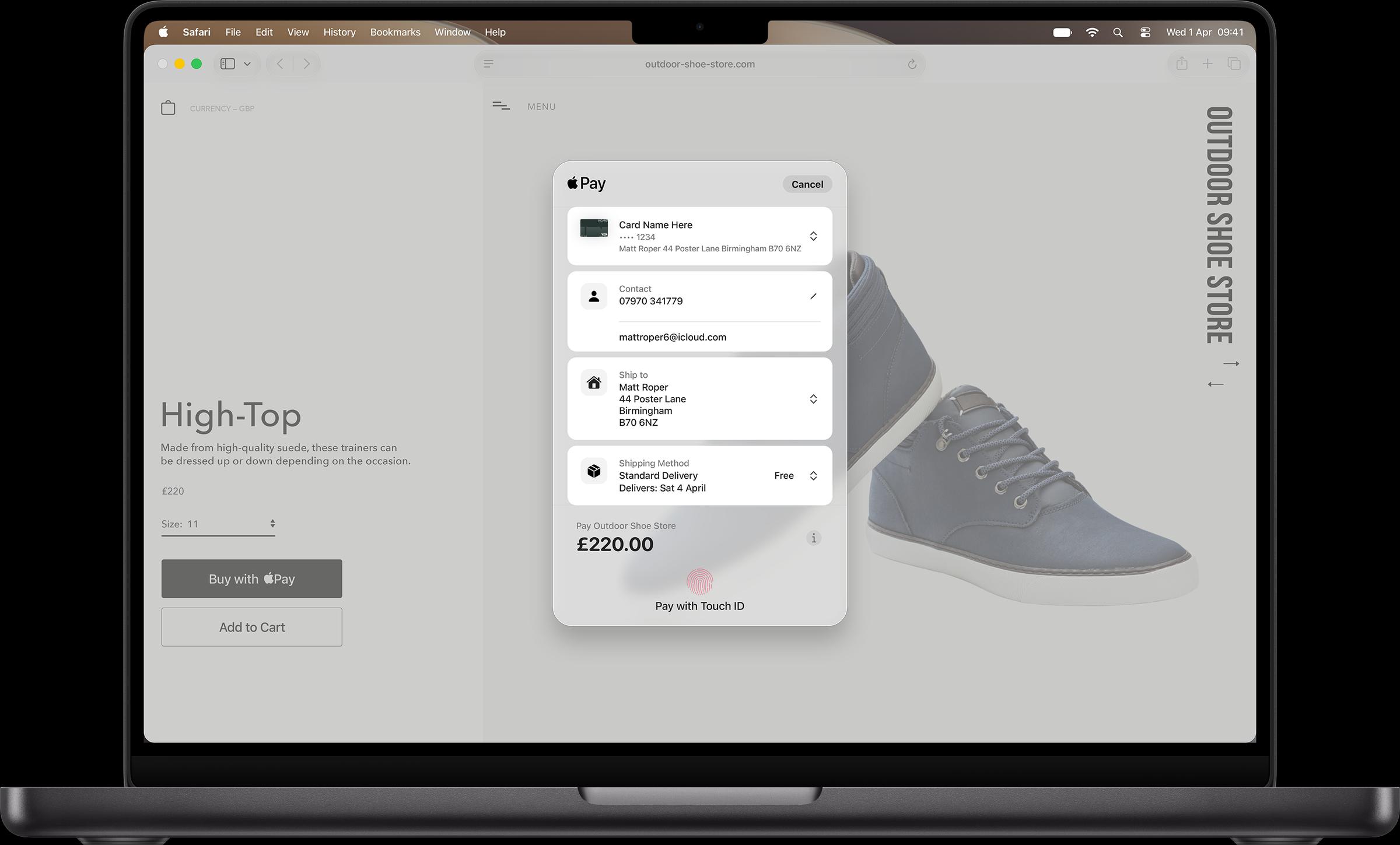
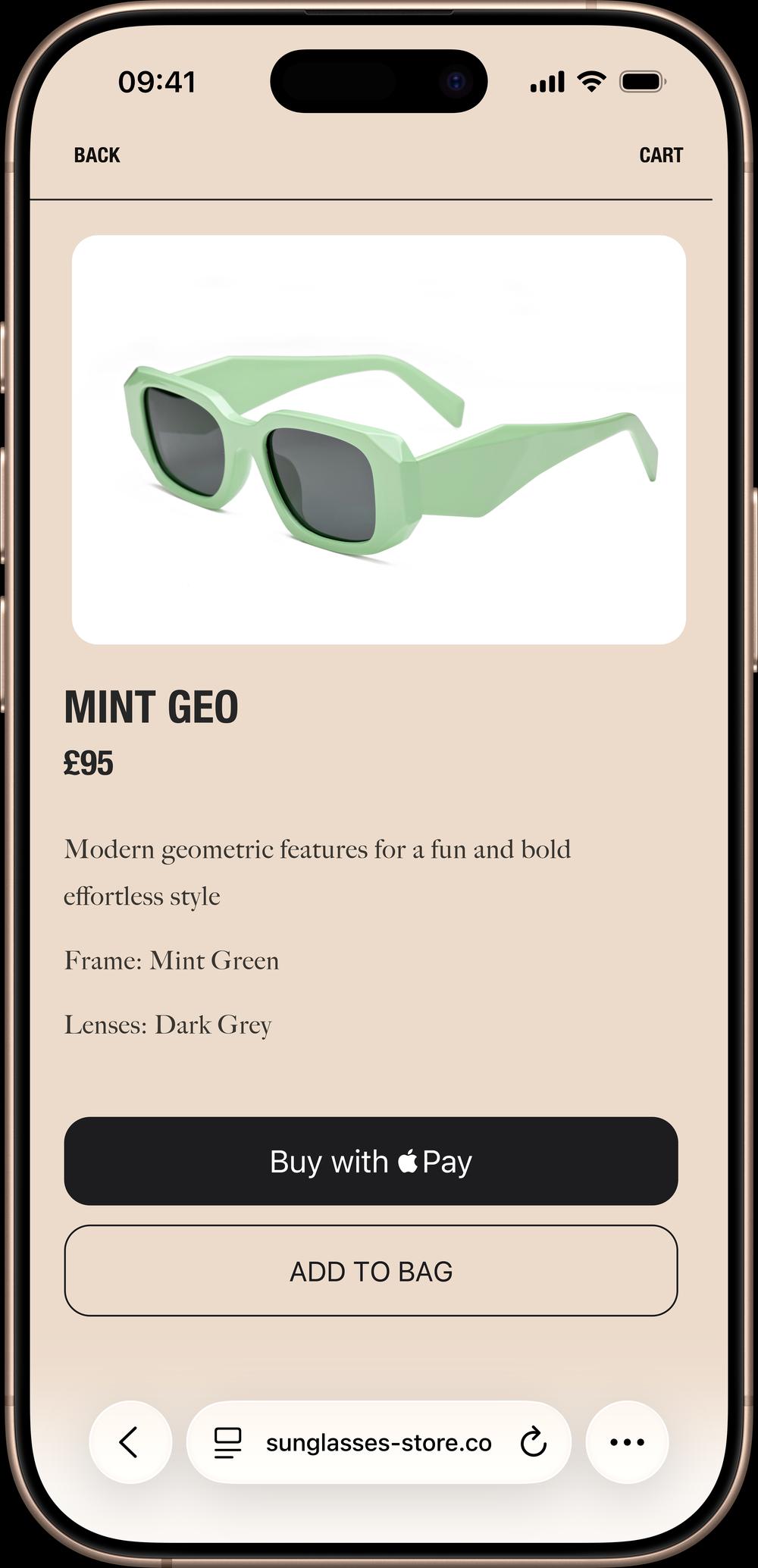

Tap. Pay. Done.
Apple Pay lets you skip entering your address or CVC code at checkout — so you can pay with your Incard card with a simple glance or touch.


Designed to be secure.
So only you can pay.
Apple Pay transactions require authentication through your device’s built-in security features — including Face ID, Touch ID and your passcode. Your debit or credit card number is never shared with merchants or stored on Apple servers. And if you misplace your iPhone, you can quickly mark it as lost on Find My to suspend your Incard card.
Add your Incard card in a few steps.
 Open Apple Wallet
on your iPhone.
 Tap the Add (+) button,
then tap Debit or
Credit Card.
 Follow the steps
on the screen to
add a new card.
The card benefits you love. With Apple Pay.
When you use your Incard card with Apple Pay, you’ll get the benefits and rewards you love — just like you would with your physical card. High cashback on multi-currency spending for advertising, SaaS, cloud infrastructure, travel, and more. No annual cap.
FAQ
Which cards can I add?
Learn more ›How do I add my card?
Learn more ›Where can I use Apple Pay?
Learn more ›Does it cost extra?
Learn more ›Is Apple Pay secure?
Learn more ›How do refunds work?
Learn more ›
◊ Legal Disclaimers
Apple Pay in More Browsers: Available with participating merchants on compatible browsers. Compatible browsers require WebSocket support. This feature is not available in all markets. Software requirements apply. To ensure you have all features of this product, update your iPhone or iPad to the latest software version.
To use Apple Pay you need a supported card from a participating card issuer. To check if your card is compatible with Apple Pay, contact your card issuer.
Apple Pay is not available in all markets. View Apple Pay countries and regions.
Features are subject to change. Some features, applications, and services may not be available in all regions or all languages and may require specific hardware and software. For more information, see Feature Availability.
The Contactless Symbol is a trademark owned by and used with permission of EMVCo, LLC.